Images, sounds, video
Images
Illustrations
To add an illustration to the paragraph, you can use the #IMAGE knot tag. The illustration is displayed before the paragraph and is automatically resized to fit the screen.
=== location_forest
# IMAGE: images/forest.jpg
You are entering the forest.
You can also use the [picture] markup tag to place the image in the text.
=== location_forest
[picture]images/forest.jpg[/picture]
You are entering the forest.
The [picture] tag supports the following attributes:
| Attribute | Description |
|---|---|
width=50% | Set picture width. The height will be adjusted to retain image proportions. |
leftmargin=0.5em | Set left image margin. |
rightmargin=0.5em | Set right image margin. |
[picture width=50% leftmargin=0.5em]images/forest.jpg[/picture]
Inline images
To place an inline image in text, use the [img] markup tag. The image is resized to fit the text height.
You have found a sword: [img]images/sword.jpg[/img]. It is quite heavy.
Backgrounds
There are two types of background: page background and scene background.
Page background
To enable page background on the title screen, use #background global tag:
# background: images/forest_bg.jpg
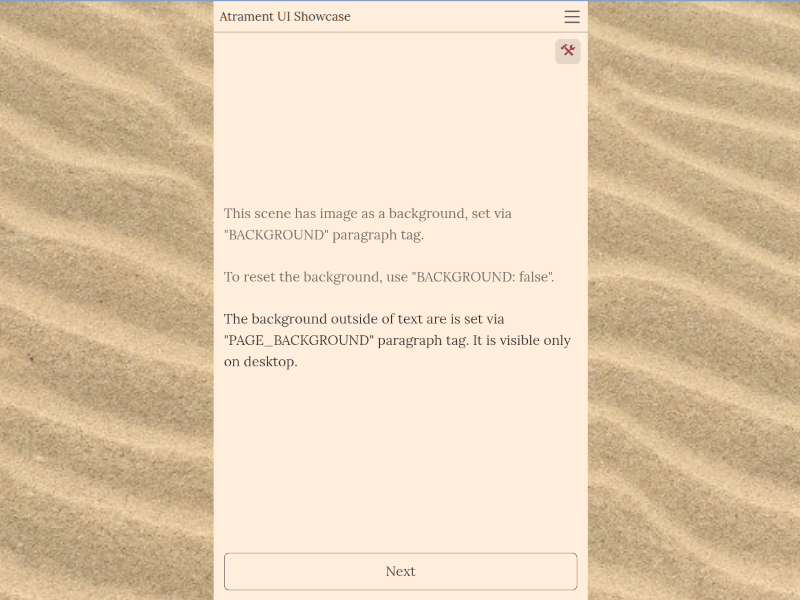
Later in the game, you can change or disable it with the #PAGE_BACKGROUND knot tag:
=== story_knot1
# PAGE_BACKGROUND: images/sea_bg.jpg

=== story_knot2
# PAGE_BACKGROUND: false // disable page background
Scenes background
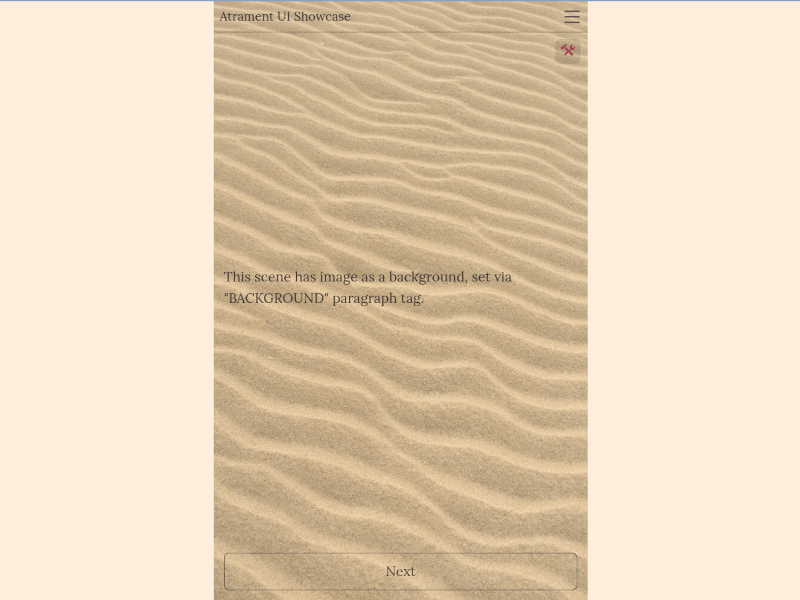
To set or remove a background image for the scene area, use the #BACKGROUND knot tag:
=== story_knot1
# BACKGROUND: images/sea_bg.jpg // sets background for scenes

=== story_knot2
# BACKGROUND: false // disable scenes background
Sounds
The sounds are played once. You can play multiple sounds at a time.
To play a sound, use #PLAY_SOUND knot tag. All sounds defined in the knot start to play simultaneously.
=== strangers_visit
# PLAY_SOUND: sounds/doorbell.mp3
Someone rang the doorbell.
To stop playing sound, use #STOP_SOUND knot tag:
=== doorbell_stops_ringing
# STOP_SOUND: sounds/doorbell.mp3 // stops specific sound
The doorbell is silent again.

=== quiet
# STOP_SOUND // stops all sounds
It became quiet.
Music
The music track plays in a loop. There can be multiple music tracks played simultaneously.
Information on the current music track is saved to a game state. When the game is restored from a save, the music starts playing automatically.
To play a music track, use the #PLAY_MUSIC knot tag. All music tracks defined in the knot start to play simultaneously.
=== level1
# PLAY_MUSIC: music/level1.mp3
You are entering the dungeon.
To stop playing music, use #STOP_MUSIC knot tag:
=== exit_dungeon
# STOP_MUSIC: music/level1.mp3 // stops specific music track
You are on the surface again.

=== quiet
# STOP_MUSIC // stops all music tracks
It became quiet.
Video
To play video, place [video] markup tag in the game text:
The story begins...
[video]videos/intro.mp4[/video]
The [video] tag supports the following attributes:
| Attribute | Description |
|---|---|
loop=false | Disable video loop. |
muted=true | Play video muted. |
Example:
[video loop=false muted=true]videos/intro.mp4[/video]