Game UI
Screens
The web application has three screens.
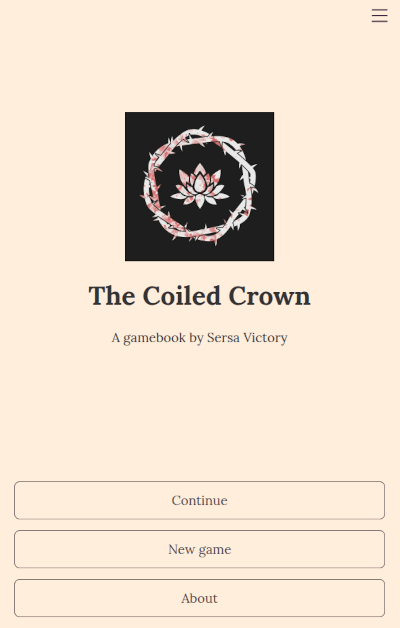
Title screen
The title screen displays game information and start menu.
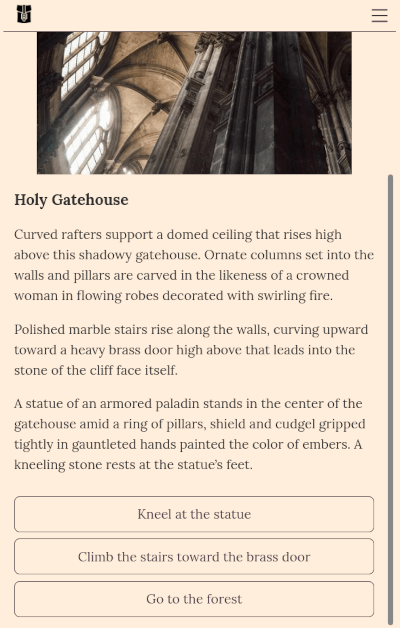
Game screen
The game screen displays the game content.
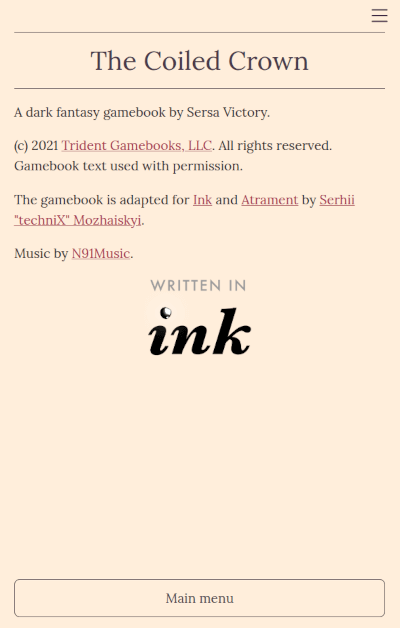
"About" screen
The about screen (configurable) displays information about the game.
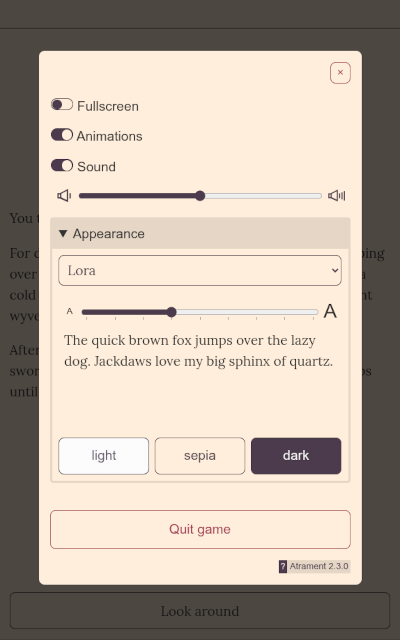
Application menu
Clicking the ≡ screen button displays the application menu. It can contain different sections depending on the game configuration and the current screen:
- load game menu (if saves are enabled)
- save game menu (if saves are enabled)
- settings: full screen mode, animations, sound volume, font face and size, and color theme.
Keyboard shortcuts
| Key | Description |
|---|---|
| 1,2,3... | Select the corresponding choice option. |
| Space, Enter | Continue story. |
| Esc | Show/hide application menu. |
| ~ | (quickly press twice) Open debugger, if enabled. |